Free app links Android phones to Macs and Windows PCs
KDE Connect offers clipboard sharing, file transfers, and remote control over local networks without requiring new hardware or cloud storage.
By Naomi Tesfaye ·
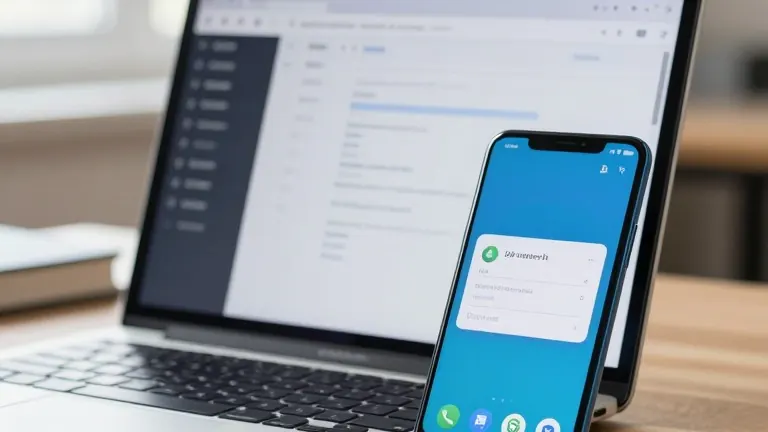
A free, open-source application now bridges the workflow gap between Android smartphones and desktop computers, eliminating the need for proprietary hardware or cloud-based file syncing. The tool allows users to replicate the seamless integration found in newer Google devices on existing Windows and macOS systems.
The app operates entirely over a local network. Users install the software on both their phone and computer, connect both devices to the same home network, and pair them. The setup requires no account creation. It supports Android, Windows, macOS, iOS, and Linux. Once paired, the devices communicate directly without routing data through external servers.
The primary function is clipboard synchronization. Users can copy text, links, or images on an Android phone and paste them instantly onto a connected desktop. This replaces manual methods like emailing files to oneself or using messaging apps to transfer work documents. The feature works bidirectionally between the mobile device and the computer.
File transfer capabilities remove the dependency on USB cables or cloud upload times. Documents, images, and other files move between devices via drag-and-drop over the local connection. The source notes that this process is immediate compared to traditional upload and download cycles.
Notification handling allows desktop users to view incoming mobile alerts directly on their computer screen. Users can read and reply to text messages from the desktop interface. This reduces the frequency of physical phone pickups during focused work sessions. The system displays battery levels and allows users to locate lost devices by triggering a ringtone.
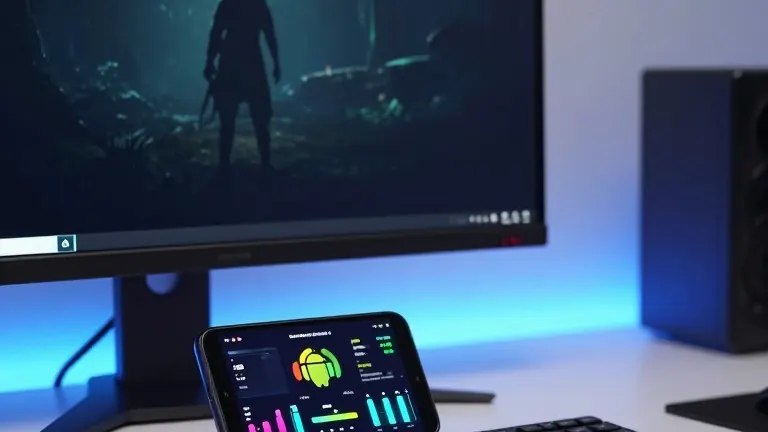
Advanced features include remote control capabilities. The smartphone acts as a wireless touchpad and keyboard for the connected computer. Users can operate a desktop from another room or use the phone as a presentation remote with a pointer. Media controls allow users to pause, skip, or adjust volume on the computer from the phone, or vice versa.
The software lacks one feature present in competing applications: full-screen phone mirroring. While Microsoft Phone Link and NectarLink offer this capability, KDE Connect does not. Users must rely on clipboard and file transfer features rather than viewing the entire phone interface on the desktop monitor.