Pitikapp repurposes idle Android phones as wireless PC performance dashboards
The free software connects mobile devices to desktop systems, displaying hardware statistics without obstructing the main gaming display.
By Adrian Kovalenko ·
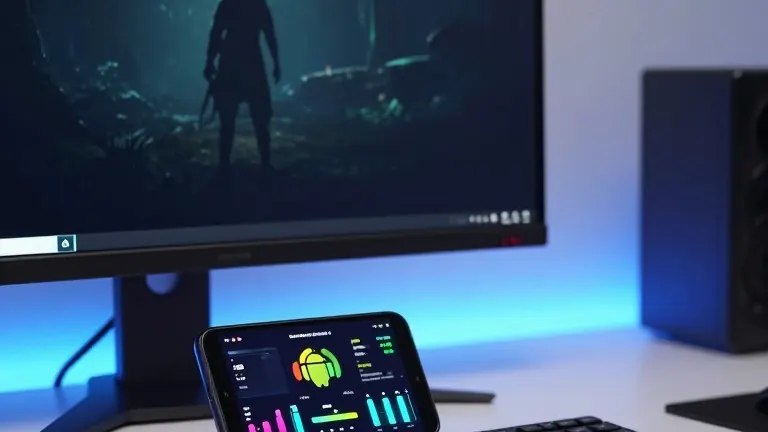
Idle Android devices can serve as dedicated performance monitors for personal computers.
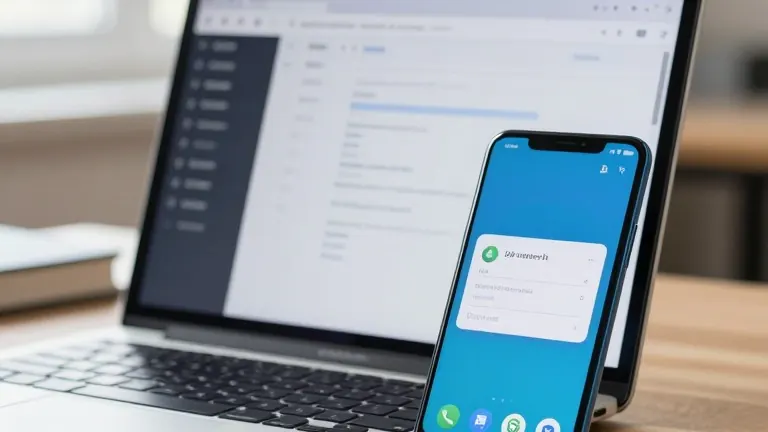
The solution utilizes the free software Pitikapp to display real-time hardware data on a secondary screen.
A user of the application replaced a cluttered on-screen display on their primary monitor with a remote dashboard on an old phone.
The setup addresses the common issue of performance overlays occupying valuable screen real estate during gaming sessions.
The user selected Pitikapp after evaluating three available options: Remote System Monitor, Pitikapp, and PhoneBox.
Remote System Monitor required a fee to unlock visual dashboard features and custom layouts.
PhoneBox was free but demanded more complex setup steps to pull data from the rendering tool RTSS.
Pitikapp offered a straightforward installation process with a built-in tutorial for configuring widgets.
The software supports data from MSI Afterburner, HWiNFO, GPU-Z, Fraps, and Spotify.
Once the PC and phone applications are installed, the phone detects the computer on the same network and connects automatically.
The user spent approximately 30 minutes customizing the dashboard layout.
The interface lacks pre-defined templates, requiring users to manually select sensors and adjust visual parameters such as size, position, and color for each widget added to the layout. The user selected GPU temperature, CPU temperature, power consumption, framerate, average framerate, and 1% low framerate from the available options. Changes made in the PC application reflect instantly on the phone screen, allowing for real-time adjustment of widget positions and sizes. The application also allows users to set threshold values that change a widget's appearance dynamically. For example, a CPU temperature widget can shift from yellow to red when the temperature exceeds 80 degrees Celsius. The phone connects to the PC wirelessly, allowing the user to place the device anywhere on the desk. The user configured the phone to stay awake to maintain the connection. The old device has limited battery life, so it remains plugged in permanently. The setup allows the user to add Spotify, Steam, and Discord widgets, turning the phone into a makeshift stream deck. The application removes the need for a long wall of text on the primary monitor, keeping performance stats visible but out of the way of the game.